
Go on, order something.
this keypad works. the money is pretend.Fast entry · monthly budget · full history
- Stack an amount, no typing
Accumulator-style buttons build an amount in seconds. ₱100, ₱100, ₱50, ₱20: that's ₱270 in four taps, no keyboard popping up over your screen.
- Hit the budget boss
Set a monthly budget and it becomes a boss with an HP bar. Every order you log is damage. Watch yourself destroy it with unnecessary purchases.
- Everything lands in your history
Browse, filter, and delete past entries. Deleting one gives the HP back; it's a soft delete, so the deletion syncs to your Sheet too.
tip: delete an entry to heal the boss. try going over budget, too.

Your spending, in your own sheet.
lives in your Google account, not someone else's| A | B | C | D | E |
|---|
log or delete something in the keypad above and watch it land here. then switch the phone offline.
Google Sheets sync
Back up your history to a Google Sheet you own.
- Works offline; syncs in the background once you're back.
- Soft-deleted rows sync the deletion to your Sheet too.
- No subscriptions. Your data lives on your device, and optionally in a Google Sheet you own.
Two phones. One total.
split the damage, share the shamePartner sharing: invite a partner to the same sheet so both of you track and see the same totals. Log on either phone and the other one catches up.
About notification access
the boring, important partCompletely optional.
DAMAGE works fully without notification access. If you turn it on, it unlocks one thing: auto-logging. The app detects food delivery orders and queues them for quick confirmation, so there's no manual searching or typing required. Nothing gets logged until you confirm it.
Works without it
- Manual logging
- Budget tracking
- History
- Google Sheets sync
What it adds
- Auto-logging only: detected orders, queued for your confirmation
What happens to notification content
No notification content is ever stored beyond what you choose to log.
Nothing is sent off your device.
The full details are in the privacy policy.
Your phone
DAMAGE
sample only. confirmed orders join the history up top.
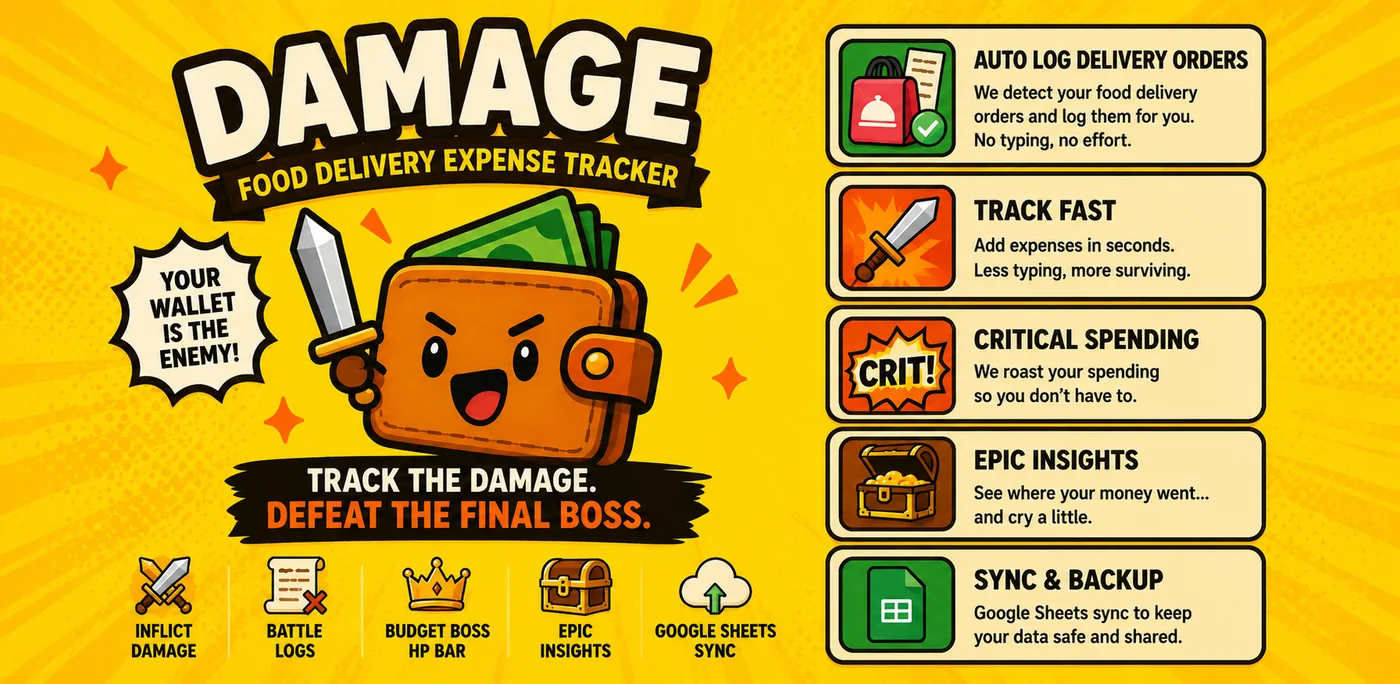
Everything in the bag.
your order, itemised- Fast entry
- Accumulator-style buttons let you build an amount in seconds without typing.
- Monthly budget
- Set a monthly budget and watch yourself destroy it with unnecessary purchases.
- Google Sheets sync
- Back up your history to a Google Sheet you own. Works offline; syncs in the background.
- Partner sharing
- Invite a partner to the same sheet so both of you track and see the same totals.
- Auto-logging
- Optionally let DAMAGE detect food delivery orders from your notifications and queue them for confirmation — no manual entry required.
- Full history
- Browse, filter, and delete past entries. Soft-deleted rows sync the deletion to your Sheet too.
* thank you, come again (but maybe cook tonight) *
same app, shouting a little louder